
How to Add Games to Your Website
Learn how to add games to your website using iframe embeds, game widgets, and free browser games. Add interactive GamesIKnow games to blogs, WordPress sites, business websites, and more.
Most websites are built to be read, scanned, or clicked through. That is useful, but it can also feel static. Adding a simple browser game gives visitors something to do without asking them to download an app, create a player account, or leave your page.
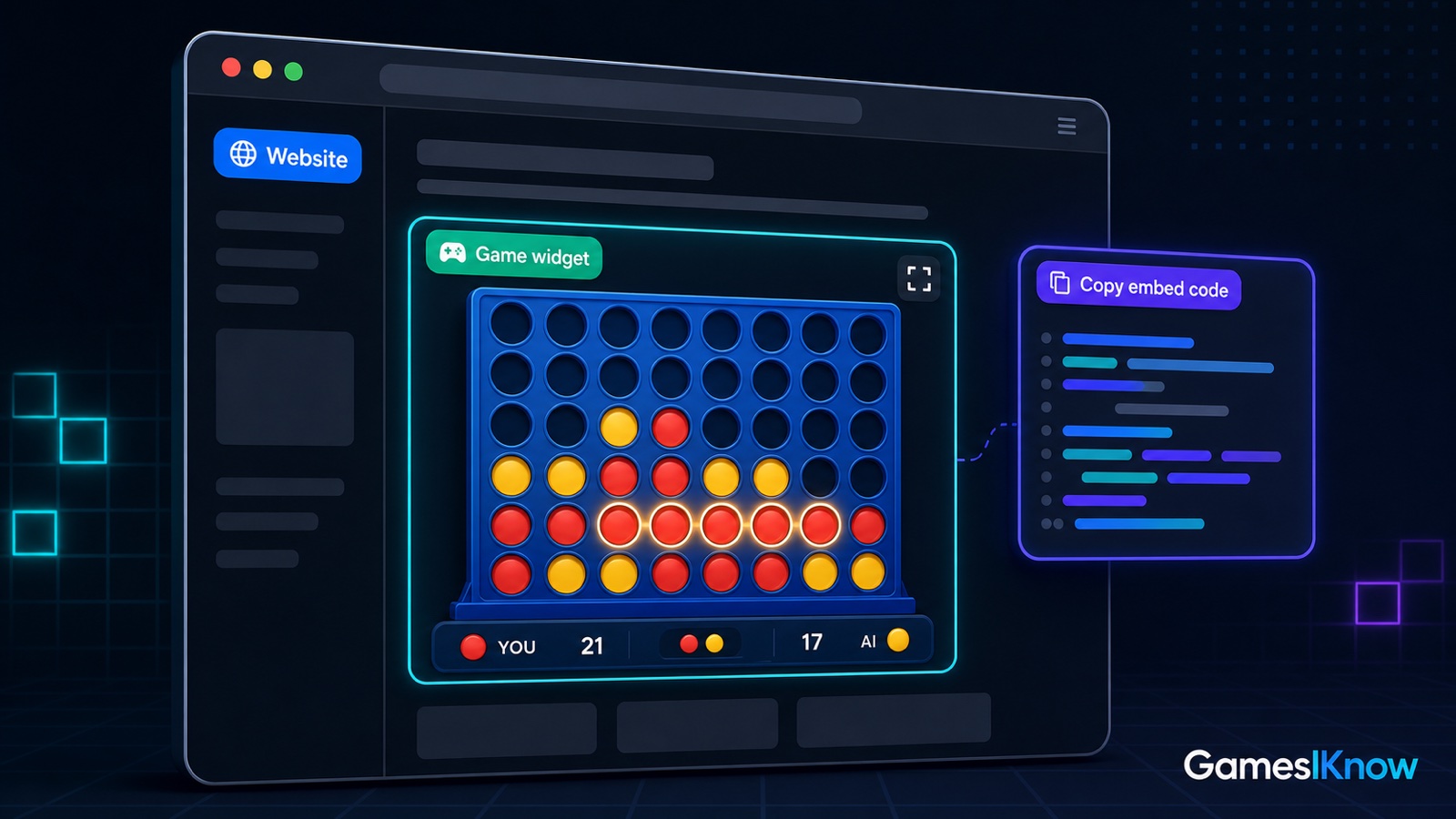
The easiest way to add games to your website is usually an iframe game embed or a game widget. You place a small snippet of HTML on a page, and the game runs inside a self-contained frame. GamesIKnow Embed is built for this exact job: lightweight browser games that fit inside blogs, WordPress sites, small business websites, community pages, schools, restaurants, and developer projects.
Quick answer: how do you add games to a website?
To add games to your website, choose a browser game, copy the provider's iframe or game widget code, paste it into your CMS or app, test the embed on mobile, and publish the page with helpful text around the game. With GamesIKnow Embed, the iframe uses a dedicated /embed/{gameSlug}/frame/ URL and a tenant ID from your partner setup.
- Pick a game that fits the page and audience.
- Use the iframe frame URL supplied by the embed platform.
- Paste the iframe into WordPress, a website builder, or your React/Next.js component.
- Set a stable height, clear title attribute, lazy loading, and fullscreen support.
- Preview the page on mobile and desktop before publishing.
What is a game widget for a website?
A website game widget is a small playable browser game that sits inside a normal web page. In most practical setups, the widget is an iframe: the game is hosted by the provider, while your site controls the surrounding article, landing page, resource page, or business page content.
Start here if you already know you want a playable website game widget:
Live GamesIKnow embed demo
Below is an example of how a GamesIKnow game can appear inside a website. This demo uses the same frame URL builder and live embed studio used by the GamesIKnow Embed pages.
Why add games to your website?
A game does not need to turn your site into a gaming portal. For many websites, the best use is a small interactive moment inside a larger page: a quick activity on a blog post, a waiting-room game for a restaurant QR page, a class activity on a school site, or a fun break on a community page.
- Games can help make a static page feel more engaging.
- Visitors get something to do without leaving the page.
- Blogs and community sites can become more memorable when the page includes a simple interaction.
- Small businesses can add a playful touch without building a full custom app.
- Developers and agencies can add an interactive website widget with a small, isolated iframe.
Best ways to add games to a website
There are several ways to add games to a website. The best choice depends on your platform, how much control you need, and whether you want to build the game yourself.
| Method | Best for | Tradeoff |
|---|---|---|
| Iframe game embed | Fast setup on blogs, CMS pages, and custom sites | You should use the provider's dedicated frame route and stable iframe height |
| Game widget | Website owners who want a reusable interactive block | Customization depends on the widget provider |
| HTML5 games | Teams that want browser-native games without an app install | Hosting, sizing, and mobile testing still matter |
| WordPress Custom HTML block | WordPress posts, pages, resource hubs, and activity pages | You need permission to add iframe HTML in your editor |
| React or Next.js component | Developers adding a game to an app route or marketing page | Client event handling needs care if you listen for postMessage events |
| Custom-built game | Unique branded mechanics or deep product integration | Highest design, engineering, QA, and maintenance cost |
Use an iframe game embed
An iframe embed is often the quickest path. The game is hosted by the provider, while your page reserves a space for it. This keeps the game runtime separate from your page code and makes the snippet work across many platforms.
Use a game widget
A game widget is usually an iframe plus helpful defaults: a recommended size, a clear title, fullscreen support, and sometimes event messages your parent page can receive. This is the practical model behind GamesIKnow Embed.
Add HTML5 games
Modern browser games are often described as HTML5 games because they run in the browser on phone, tablet, laptop, and desktop. You can host your own HTML5 game, but most website owners prefer an embed platform so they do not have to maintain the game engine, assets, mobile layout, and bug fixes themselves.
Add games to WordPress with a Custom HTML block
In WordPress, the simplest path is a Custom HTML block. Paste the iframe snippet, preview the page, and adjust the surrounding copy and layout. If your WordPress setup strips iframe tags, you may need an administrator or an allowed-iframe plugin.
Add games in React or Next.js
In React or Next.js, render the iframe as a component and keep the frame src stable. If you want analytics or game events, listen for trusted postMessage events from the GamesIKnow frame in a client component.
Build a custom game from scratch
A custom game can be a good fit when the game itself is your product. For a normal blog, agency site, school page, or local business page, an embed is usually faster and easier to maintain.
These focused embed guides cover the main implementation paths:
Easiest option: use GamesIKnow Embed
GamesIKnow Embed lets website owners add free browser games during beta with a simple iframe. Visitors can play in the browser with no app download and no player signup. The games are lightweight, mobile-friendly, and designed for pages where you want a quick interactive block rather than a full gaming platform.
Current embeddable games include Tic Tac Toe, Four in a Row, Bingo, and I Know. They work well for blogs, schools, restaurants, community websites, small business pages, internal portals, and developer sites that need a simple browser game widget.
Pick a game to embed:
Example embed code
GamesIKnow uses a dedicated iframe frame route for website embeds. The public /embed/{gameSlug}/ page is the human-readable landing page. The iframe src should use /embed/{gameSlug}/frame/ with your tenant ID from the partner dashboard.
<iframe
  src="https://gamesiknow.com/embed/tic-tac-toe/frame/?tenantId=YOUR_TENANT_ID"
  title="Tic Tac Toe by GamesIKnow"
  width="100%"
  height="640"
  style="border:0;border-radius:16px;max-width:420px;display:block;margin:0 auto;"
  loading="lazy"
  allow="fullscreen"
  allowfullscreen
></iframe>The live demo above uses a GamesIKnow demo tenant. For your own website, create a partner account, register your domain, and use the dashboard-generated tenant or embed key values so the frame is tied to your approved site.
How to add games to WordPress
- Open the WordPress page or post where you want the game to appear.
- Add a Custom HTML block near the section where the game should be played.
- Paste the GamesIKnow iframe snippet from your embed dashboard.
- Preview on desktop and mobile, then adjust the surrounding section copy if needed.
- Publish the page when the game size, title, and layout look right.
WordPress-specific setup details:
How to add games in React
For React, keep the iframe component straightforward. Pass a stable frame URL, set a clear title for accessibility, reserve a reasonable height, and add postMessage handling only if your app needs embed events.
const gameSrc = "https://gamesiknow.com/embed/tic-tac-toe/frame/?tenantId=YOUR_TENANT_ID";

export function GameEmbed() {
  return (
    <iframe
      src={gameSrc}
      title="Tic Tac Toe by GamesIKnow"
      width="100%"
      height={640}
      style={{
        border: 0,
        borderRadius: 16,
        maxWidth: 420,
        display: "block",
        margin: "0 auto",
      }}
      loading="lazy"
      allow="fullscreen"
      allowFullScreen
    />
  );
}React implementation guide:
How to add games in Next.js
In Next.js, keep the page itself indexable with useful headings, copy, and FAQ content around the game. The iframe can render in a server component, while any postMessage listener should live in a client component.
const gameSrc = "https://gamesiknow.com/embed/tic-tac-toe/frame/?tenantId=YOUR_TENANT_ID";

export default function GamesPage() {
  return (
    <main>
      <h1>Play Tic Tac Toe</h1>
      <iframe
        src={gameSrc}
        title="Tic Tac Toe by GamesIKnow"
        width="100%"
        height={640}
        style={{
          border: 0,
          borderRadius: 16,
          maxWidth: 420,
          display: "block",
          margin: "0 auto",
        }}
        loading="lazy"
        allow="fullscreen"
        allowFullScreen
      />
    </main>
  );
}Next.js implementation guide:
Best places to add games on a website
- Blog posts where a quick interactive break fits the topic.
- Resource pages that already attract repeat visitors.
- Community pages, club pages, and local group sites.
- School activity pages and classroom resource hubs.
- Restaurant waiting pages, menu QR pages, and event pages.
- Landing pages where a small interaction supports the offer.
- 404 pages or fun pages where playfulness is expected.
Best GamesIKnow games to start with
| Game | Good fit | Why start here |
|---|---|---|
| Tic Tac Toe | Simple website widgets and first tests | The rules are familiar, the frame is easy to understand, and rounds are quick |
| Four in a Row | Strategy pages and playful business sites | It gives visitors a little more decision-making while still staying approachable |
| Bingo | Groups, communities, schools, and events | The format is casual, familiar, and friendly for mixed audiences |
| I Know | Trivia-style pages and knowledge communities | It works well when the site audience enjoys answering quick questions |
Tips before adding games
- Keep the game relevant to the page instead of dropping it into every article.
- Test the iframe on mobile before publishing.
- Do not overload one page with too many live embeds.
- Use lazy loading for iframe snippets that appear below the first viewport.
- Keep the iframe height reasonable so the game is easy to play without awkward page jumps.
- Use a clear title attribute so assistive technology can describe the embedded game.
- Track clicks, starts, or completed rounds with analytics if engagement data matters to you.
Quick checklist
- Choose the game and confirm it fits the page intent.
- Use the dedicated GamesIKnow frame URL inside the iframe.
- Add useful page copy around the game so the page still has SEO value.
- Preview the page on phone, tablet, and desktop.
- Publish, then monitor whether visitors actually use the widget.
Related games
Explore more Games I Know pages connected to this guide.
Frequently asked questions
Can I add games to my website for free?
What is the easiest way to add a game to a website?
Can I embed games using an iframe?
Do players need to create an account?
Can I add games to WordPress?
Can I add games to React or Next.js?
Are iframe games mobile-friendly?
What games can I embed from GamesIKnow?
Related articles
- Best browser games to play with friends for free
Looking for browser games to play with friends? These free picks work on phone or desktop, start fast, and do not require a download.
- Free online games with no download or signup
Find free online games with no download or signup. Learn what to look for, what to avoid, and which game formats start fastest.
- Quick games to play online when you have 5 minutes
Need quick games to play online in 5 minutes? These fast browser-friendly ideas work for solo breaks, 2-player rematches, and small groups.