
How to Make Your Blog More Interactive
Learn how to make your blog more interactive with quizzes, polls, games, tools, checklists, and simple engagement ideas for better user experience.
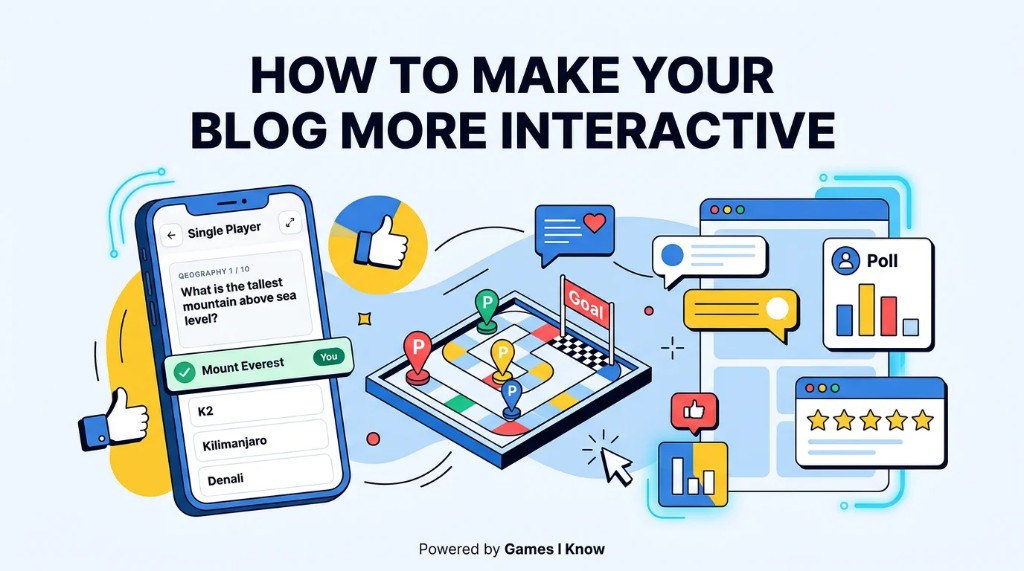
Most blogs are built only to be read. The best blogs also give visitors something to do. A reader who votes, answers, plays, calculates, checks off a step, or leaves a thoughtful response is more likely to remember the page and stay engaged with the site.
The best way to make your blog more interactive is to add useful elements that invite visitors to participate, such as polls, quizzes, embedded games, calculators, checklists, clickable visuals, and comment prompts.
- Add polls and questions.
- Use quizzes.
- Embed simple games.
- Add calculators or tools.
- Use checklists.
- Add clickable visuals.
- Encourage comments and reactions.
- Keep everything fast and mobile-friendly.
Why Interactive Blogs Perform Better
Interactive blogs perform better because they change the reader's role. Instead of only scanning paragraphs, visitors can click, play, answer, vote, calculate, explore, or participate. That small shift can improve time on page, make the post easier to remember, and give readers a reason to come back.
Interaction also gives the page a clearer job. A recipe post can help someone adjust ingredient amounts. A travel post can help someone choose a destination. A gaming post can let the reader play a quick round. When the interaction fits the topic, it improves the user experience rather than distracting from it.
Add Interactive Polls and Questions
Polls are one of the easiest interactive blog ideas because they ask for a tiny commitment. A reader can vote in a few seconds, then compare their answer with the rest of your audience.
- Place a quick opinion poll after a strong claim.
- Ask an end-of-section question before moving to the next idea.
- Use feedback prompts such as Was this useful? or What should we cover next?
- Let readers vote on examples, tools, destinations, recipes, or game formats.
The key is to ask a specific question. Which headline would you click? is better than What do you think? because it gives readers an obvious way to respond.
Use Quizzes to Make Content More Personal
Quizzes make a blog feel personal because the reader gets a result, score, recommendation, or small moment of challenge. They work well for educational blogs, entertainment blogs, gaming blogs, niche communities, and publisher sites because they turn passive reading into participation.
- Topic-based quizzes that test what the reader learned.
- Knowledge checks after a tutorial or guide.
- Personality-style quizzes that recommend a product, destination, recipe, or game.
- Trivia questions for entertainment, gaming, education, or community articles.
- Educational quizzes that help readers practice without leaving the page.
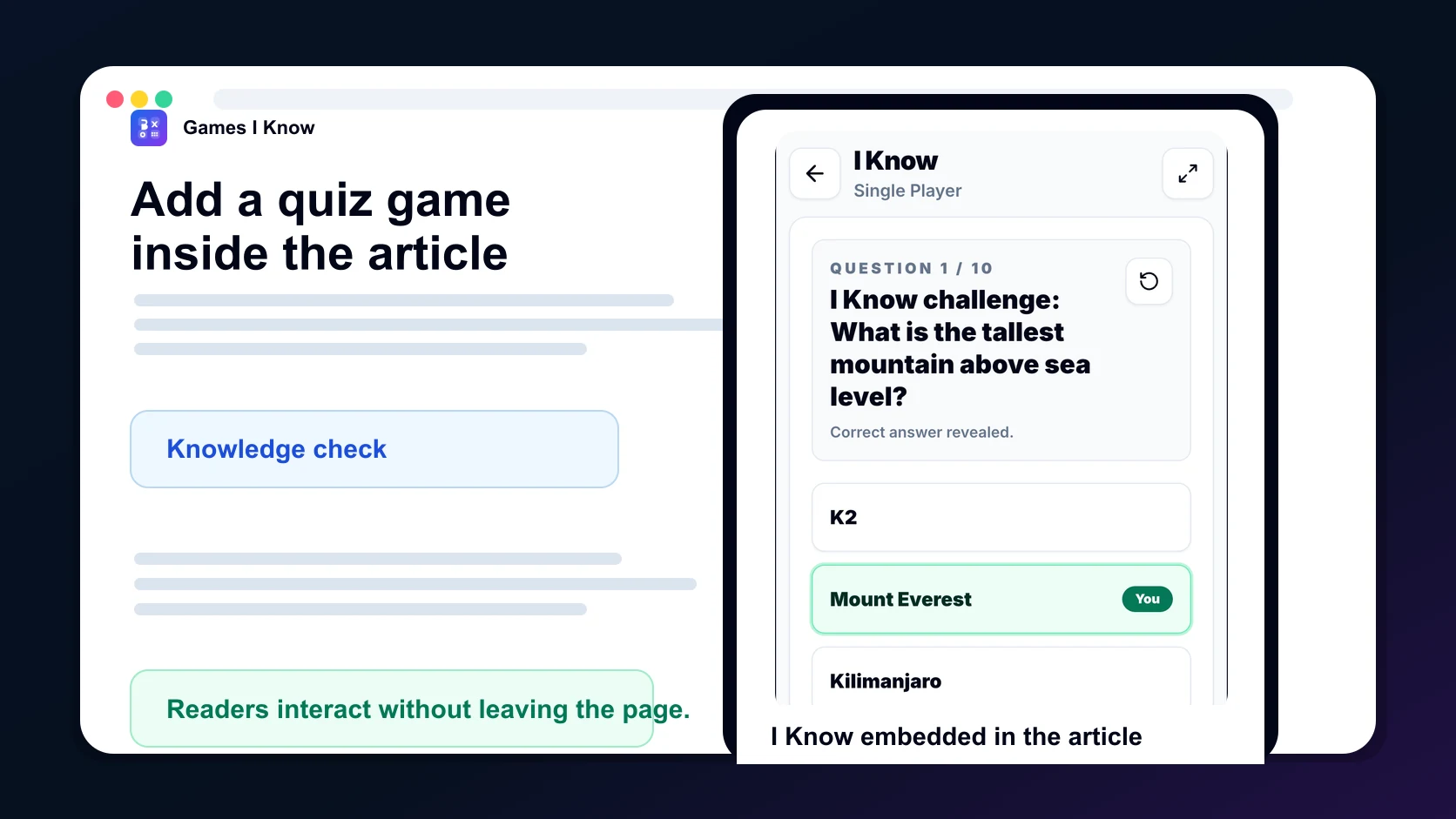
For example, Games I Know has a game called I Know, a quiz/trivia-style browser game that can be embedded into a blog to make the article more interactive and fun for readers.
Embed Simple Games Inside Your Blog
Lightweight browser games can turn a passive article into an active experience. A reader can take a short break, test an idea, challenge themselves, or share the page with someone else. Good blog game formats include trivia games, word games, puzzle games, strategy games, and casual games that finish quickly.
With GamesIKnow Embed, blog owners can add simple browser games to their site using an iframe-style embed, so visitors can play without downloading an app or creating an account.
Add Calculators, Tools, or Mini Utilities
Useful tools give visitors a reason to return because they solve a small problem. A calculator or mini utility does not need to be complex. It only needs to help the reader make a decision faster than a static paragraph can.
- Savings calculator for a personal finance blog.
- Score calculator for a gaming or sports blog.
- Checklist generator for a planning or productivity blog.
- Recipe quantity calculator for a food blog.
- Fitness calculator for a health blog.
- ROI calculator for a business blog.
- Comparison tool for a review or buying guide.
Use Clickable Checklists and Progress Elements
Checklists make long posts feel easier to finish. They give readers a sense of progress and help them turn advice into action. This is especially useful for tutorials, planning guides, launch checklists, and beginner-friendly how-to content.
- Reading progress bar for long guides.
- Interactive checklist for setup steps.
- Step completion markers inside tutorials.
- Downloadable checklist for offline use.
- Copyable checklist for teams, students, or clients.
Add Interactive Images and Visual Breaks
Visual interaction can make a dense article easier to scan. Instead of another text block, use an image that invites the reader to compare, inspect, or reveal something.
- Before and after sliders.
- Annotated images with hotspots.
- Clickable diagrams.
- Image-based explainers inside long posts.
- Visual examples that show the result of a decision.
Encourage Comments, Reactions, and Community Discussion
Comments and reactions work better when you ask a focused question. End the post with a prompt that invites experience, disagreement, or examples instead of a generic request for thoughts.
- What would you add to this checklist?
- Which example would work best for your site?
- What did you try first?
- What result surprised you?
- Should we build a template for this?
Emoji reactions, feedback buttons, and short community questions can also help readers respond without writing a full comment.
Keep Interactive Features Fast and Mobile-Friendly
Interactive content should not make the page feel heavy. If the feature slows the article down, covers the text, shifts the layout, or breaks on mobile, it may reduce engagement instead of improving it.
- Do not overload one article with too many widgets.
- Avoid heavy third-party scripts when a lighter block will do.
- Use responsive embeds with stable width and height.
- Test on phone, tablet, and desktop before publishing.
- Keep keyboard navigation and readable labels in mind.
- Check that interactive elements do not hurt Core Web Vitals.
Best Interactive Blog Ideas by Niche
| Niche | Interactive ideas |
|---|---|
| Food blog | Recipe calculator, polls, quizzes, ingredient checklists |
| Travel blog | Destination quiz, maps, packing checklists, itinerary tools |
| Gaming blog | Embedded games, trivia, polls, leaderboards |
| Education blog | Quizzes, flashcards, progress checks, mini exercises |
| Finance blog | Calculators, comparison tools, budget checklists |
| Fitness blog | Trackers, habit challenges, workout checklists |
| Tech blog | Code playgrounds, demos, surveys, interactive diagrams |
Simple Interactive Blog Checklist
- Add one interactive element per important post.
- Keep it relevant to the topic.
- Make it mobile-friendly.
- Track clicks and engagement.
- Avoid annoying popups.
- Use fast-loading embeds.
- Add clear calls to action.
- Test the page before publishing.
Final Thoughts
Interactive blogs do not need to be complicated. A small quiz, poll, checklist, calculator, clickable visual, or embedded game can make a post more memorable and useful. Start with one relevant interaction, place it where it helps the reader, and measure whether people use it.
If you want to make your blog more playful, you can explore GamesIKnow Embed and add simple browser games to your website.
Related games & embeds
Explore Games I Know pages connected to this guide.
Frequently asked questions
What does an interactive blog mean?
An interactive blog is a blog that lets visitors do something instead of only reading. Examples include polls, quizzes, embedded games, calculators, checklists, clickable visuals, comments, and reactions.
How can I make my blog more engaging?
Start with one relevant interactive element. Add a poll, quiz, checklist, calculator, embedded game, or focused comment prompt that helps the reader participate in the topic.
Are games good for blog engagement?
Games can be good for blog engagement when they fit the article. A lightweight trivia, puzzle, word, or strategy game can increase participation and give readers a reason to stay longer without leaving the page.
What is the easiest interactive element to add to a blog?
A poll or checklist is usually the easiest interactive element to add. Both are simple, quick to understand, and work across many blog niches without requiring complex development.
Do interactive elements help SEO?
Interactive elements can support SEO indirectly by improving user experience, engagement, time on page, repeat visits, and content usefulness. They should be fast, accessible, and relevant to the article.
How many interactive elements should one blog post have?
Most posts only need one or two interactive elements. Use enough to help the reader participate, but avoid stacking so many widgets that the page becomes slow or distracting.
Related articles
June 2, 2026·14 min read
How to Add Games to Your Website
Learn how to add games to your website using iframe embeds, game widgets, and free browser games. Add interactive Games I Know games to blogs, WordPress sites, business websites, and more.
May 1, 2026·4 min read
Fast free browser games for quick group play
Discover fast free browser games you can open in a tab with no download. Great picks for duos, small groups, and quick breaks on phone or desktop.
April 18, 2026·3 min read
Quick games to play online when you have 5 minutes
Discover quick browser games you can play online in just a few minutes. No login, no download - just open a game and start playing.
Get in touch
Questions about this topic?
Send support questions, embed requests, partnership ideas, or feedback. Your message is saved securely and forwarded to our support channel for review.